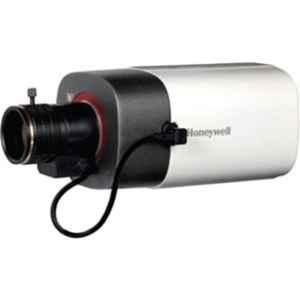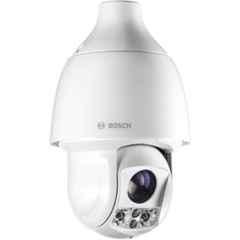


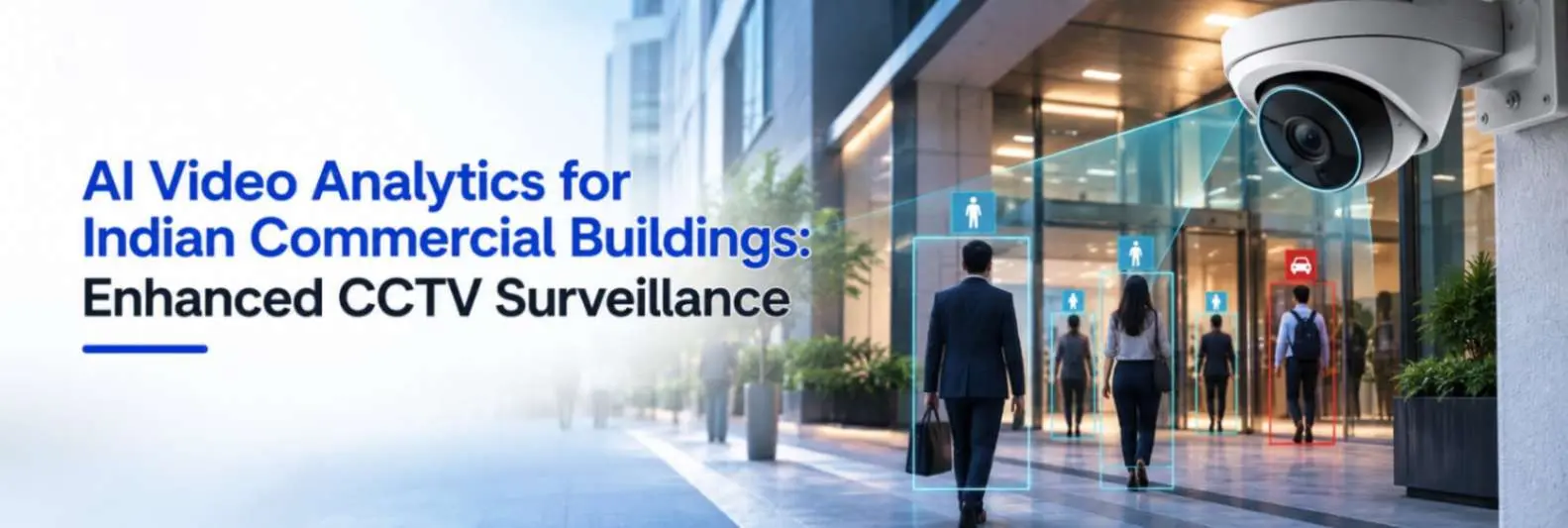
Commercial buildings and industrial facilities are no longer using CCTV surveillance for just video recording, they require AI based analytics to identify faces and track objects.
Applications such as intelligent motion detection, intrusion detection and people counting can help businesses monitor restricted areas, understand movement patterns and respond to specific events more quickly. ONVIF’s Profile M, for example, provides standardised interfaces for analytics metadata and events, including object classification and counting applications.
For Indian commercial buildings, simply buying an AI-enabled camera is not enough. The camera, analytics capability, network, VMS or NVR, storage and site conditions all need to work together. This guide explains how AI video analytics works, where it can be used and what system integrators should consider before deploying it.
What Is AI-Based Video Analytics?
AI-based video analytics uses software algorithms to analyse video and identify objects, movement or predefined events. Instead of relying only on a person watching multiple camera feeds, the analytics engine can detect a defined condition and generate an event or alert.
A typical system can work like this:
Camera > Video Processing > Object or Movement Detection > Rule Application > Alert or Event > Security Response
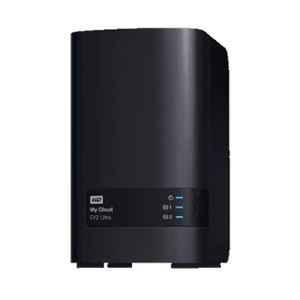
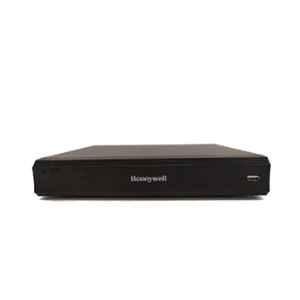
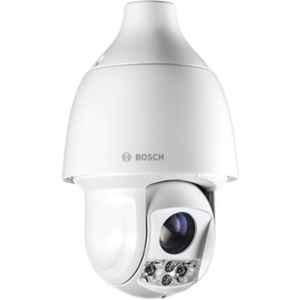
Depending on the solution, video analytics can be performed inside an AI-enabled camera, on an NVR, on a dedicated server or through a cloud-based application. ONVIF’s analytics architecture also allows analytics components to be distributed across different devices in a network.
For example, a camera covering a restricted entrance can detect a person entering a defined area after working hours. Instead of simply recording the movement, the system can generate an intrusion event for the security team.
AI Video Analytics vs Traditional CCTV Motion Detection
Traditional CCTV motion detection generally looks for changes in the image. AI-based analytics can go further by identifying objects and applying rules to those objects.
| Parameter | Traditional Motion Detection | AI Video Analytics |
| Detection basis | Image changes | Objects, movement and scene rules |
| Human/vehicle classification | Limited | Available on capable systems |
| Intrusion rules | Basic | Zone and line-based rules |
| People counting | Generally unavailable | Supported on suitable systems |
| False alarms | Can be higher | Can be reduced with object filtering |
| Metadata | Limited | More detailed |
| Business insights | Limited | Possible |
Key AI Video Analytics Applications in Commercial Buildings
AI-Based Motion Detection
Motion detection is one of the most basic applications of video analytics, but AI can make the detection more useful by applying rules around the movement being observed.
For example, instead of generating an alert whenever something moves inside the camera view, an analytics system may be configured to focus on a particular area or object type.
Common use cases:
- Restricted areas
- Office corridors
- Parking areas
- Warehouses
- Service entrances
- Building perimeters
- After-hours monitoring
A security team can define a region of interest and configure when that region should be monitored. ONVIF’s analytics specification supports configurable motion regions and sensitivity levels.
The quality of the result still depends on the environment. Moving trees, shadows, rain, reflections and changing lighting can affect detection if the system is not properly configured.
AI-Based Intrusion Detection
Intrusion detection uses defined areas or virtual boundaries to identify movement that should not occur.
A system integrator can configure a virtual line across a restricted entrance or create a protected polygon around an area. When a relevant object crosses the line or enters the defined region, the system can generate an event.
Common intrusion rules include:
- Line crossing
- Restricted-zone entry
- Direction-based movement
- Loitering
- After-hours movement
- Perimeter intrusion
Example
Consider a commercial office with a restricted server-room corridor.
Camera > Restricted zone > Person detected > Intrusion event > VMS alert > Security response
This is more useful than recording the event alone because the analytics system can identify the defined condition and pass an event to another security platform.
People Counting
People counting is useful when a commercial building needs to understand how many people enter, leave or move through a particular area.
For example, a camera positioned at a building entrance can be configured to count people crossing a defined line in one direction. The information can then be used for visitor statistics, occupancy monitoring or crowd management.
ONVIF Profile M specifically includes event interfaces for object counting and identifies applications such as visitor statistics, crowd control and queue management.
People counting can help measure:
- Entries
- Exits
- Footfall
- Direction of movement
- Occupancy
- Peak traffic periods
However, people counting should not be treated as a simple camera specification. Camera height, viewing angle, crowd density, lighting and installation position can influence results.
Other AI Analytics Useful for Commercial Buildings
Modern video analytics can cover considerably more than basic motion and intrusion detection.
Depending on the camera and software, a commercial building may use:
- Human or vehicle classification
- Loitering detection
- Abandoned-object detection
- Crowd detection
- Queue monitoring
- Wrong-direction detection
- Occupancy monitoring
- License plate analytics
- Face-related analytics
Where Should AI Video Analytics Be Used in an Indian Commercial Building?
Not every camera in a building needs the same analytics. A better approach is to map each building area to a specific requirement.
| Building Area | Useful Analytics | Example |
| Main entrance | People counting | Entry/exit trends |
| Reception | People counting | Visitor flow |
| Perimeter | Intrusion detection | Restricted-zone alert |
| Parking | Person/vehicle detection | Unauthorised movement |
| Server room | Intrusion | After-hours monitoring |
| Staircases | Motion/intrusion | Restricted movement |
| Warehouse | Intrusion/object detection | After-hours monitoring |
| Lobby | Occupancy/people counting | Crowd monitoring |
| Loading area | Line crossing | Movement monitoring |
How to Choose the Right AI Camera for Video Analytics?
Choosing an AI camera should start with the application, not the megapixel count.
Check Camera Resolution
Resolution should be appropriate for the area being monitored and the type of detection required. A higher-resolution camera does not automatically provide better analytics if the installation angle, lighting or field of view is poor.
Check the Field of View
A wide-angle camera may cover a large lobby, while a narrower field of view may be more suitable for a specific entrance or restricted zone.
Consider Camera Position
Mounting height and viewing angle are particularly important for people counting and intrusion analytics.
A camera installed too high, too low or at an unsuitable angle may make it harder for the analytics engine to distinguish people or correctly determine movement direction.
Check Lighting Conditions
Consider:
- Daylight
- Low-light environments
- Backlighting
- Glare
- Shadows
- Night-time operation
Check AI Processing Capability
Determine where the analytics will be processed:
- Inside the camera
- On an NVR
- On a dedicated server
- On a cloud platform
Edge processing can reduce the need to send all analytics processing to a central server, while server-based systems can provide centralised processing for larger deployments.
Check Analytics Licensing
Some cameras include specific analytics features, while others may require additional software or licenses.
Before purchasing, verify exactly which functions are included with the camera and which require additional licensing.
Check Interoperability
If cameras, VMS, NVRs and analytics software come from different manufacturers, interoperability becomes important.
ONVIF Profile M provides standardised communication for analytics metadata and events between analytics-capable devices or services and clients such as VMS, NVRs and server or cloud applications.
AI Video Analytics for Different Commercial Building Types
Corporate Offices
AI analytics can support:
- Entrance people counting
- Restricted-area intrusion
- After-hours movement detection
- Occupancy monitoring
Retail Stores and Shopping Malls
Potential applications include:
- Footfall measurement
- Occupancy monitoring
- Queue monitoring
- Restricted-zone alerts
- Customer movement analysis
Warehouses
Analytics can be used for:
- Perimeter intrusion
- Restricted-area monitoring
- Person or vehicle detection
- After-hours movement
Hotels
Useful applications can include:
- Lobby occupancy
- Parking monitoring
- Restricted-area intrusion
- Movement monitoring
Hospitals
Depending on the application and privacy requirements, analytics can support:
- Restricted-area monitoring
- Occupancy insights
- Crowd monitoring
- Movement detection
Industrial and Commercial Campuses
Large campuses can combine:
- Perimeter intrusion detection
- Vehicle monitoring
- Restricted-zone analytics
- After-hours detection
- People counting
How to Reduce False Alerts in AI Video Analytics?
AI analytics can reduce unnecessary alerts, but proper configuration remains important.
Practical steps include:
- Position cameras correctly
- Define suitable detection zones
- Use human/vehicle classification where appropriate
- Set minimum object-size thresholds
- Configure detection schedules
- Create ignore zones
- Adjust sensitivity
- Ensure adequate lighting
- Test the system during day and night
- Review false alerts after installation
- Keep firmware and analytics software updated
Conclusion
AI-based video analytics can turn a CCTV system from a passive recording platform into a system capable of identifying defined events and generating useful operational information. Motion detection can help monitor activity, intrusion analytics can identify movement across protected zones, and people counting can provide information about building traffic and occupancy.